
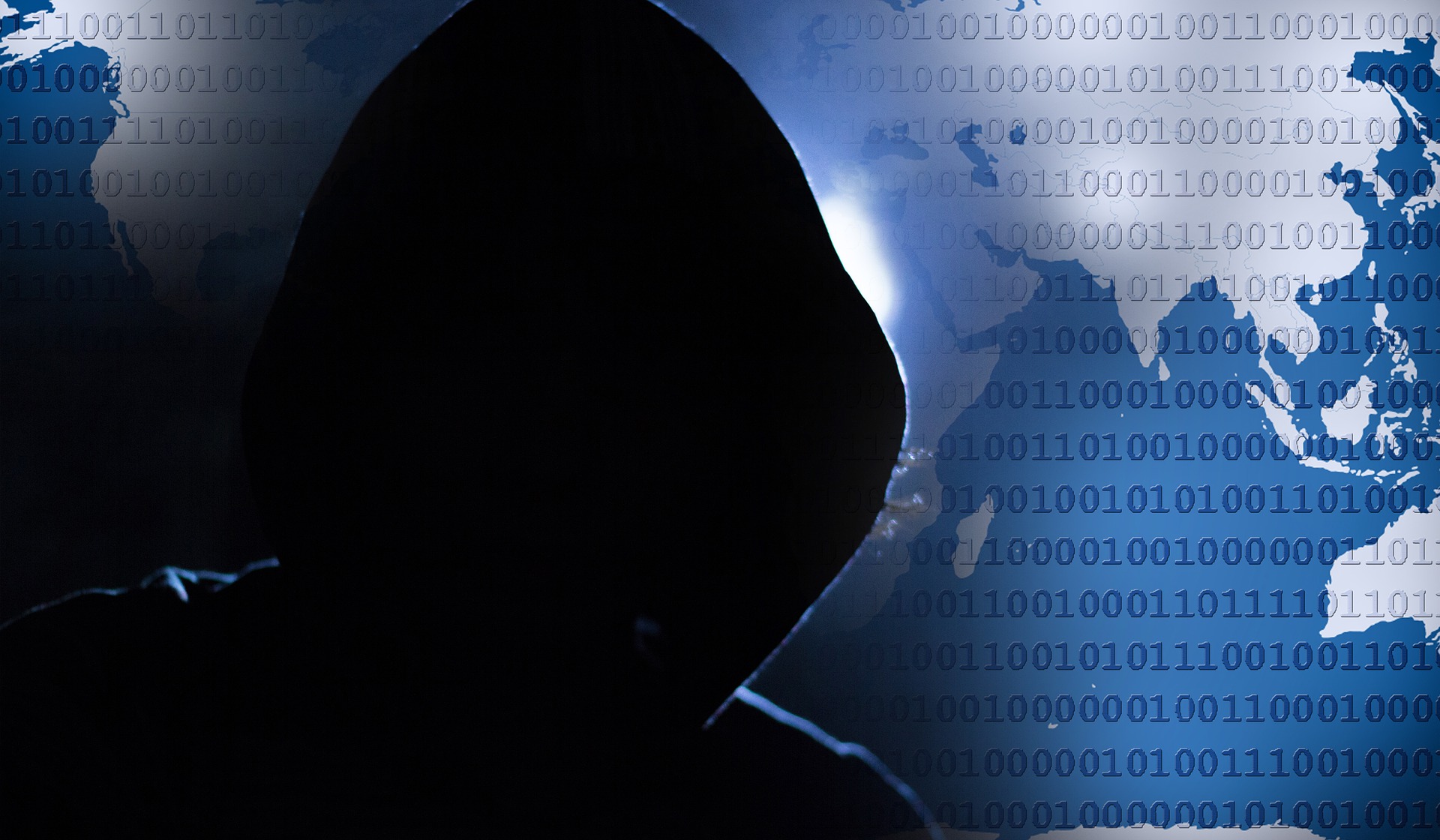

Deepfakes are becoming a staple in scammers’ arsenal of tools. Recently, deepfake scammers have forged the identity of Joe Rogan to falsely promote supplements. In even more extreme cases, some Twitch streamers have seen their likeness used to create explicit videos. With these scams becoming more frequent – how do we know how to spot a deepfake?
Scams.info can reveal that in the past month alone, Google searches for “what is a deepfake” rose by over 5000%, suggesting that more scammers are starting to get hold of this phenomenon. With this in mind, the experts have provided seven key tips on how to spot a deepfake scam, to ensure that you don’t get caught out.
Nicholas Crouch from Scams.info has commented on the dangers of deepfake technology: “Recently we were introduced to what seemed to be a video of Elon Musk promoting a crypto scam, which has since been debunked and proven to be a deepfake. Examples like this can be dangerous as the subjects being used are usually influential people, which makes them seem more trustworthy to members of the public.
Victims will often trust the deepfake subject and give the scammer personal details such as credit card information and addresses which can scam them out of millions of pounds. It’s therefore important to understand the dangers of deepfake technology and how to spot it, to ensure you don’t fall for it in the future.”
1. Keep an eye on any facial imperfections
Research shows your face is made up of 43 different muscles that can work together in endless unique combinations. Therefore, if you notice imperfections or blurred image quality around the hairline, there is a chance you aren’t talking to who you think you are.
Most video streaming services like YouTube provide a setting where you can set the playback speed of a video to slow it down or speed it up to check for imperfections should you think your video is a scam. This can be utilised in two easy ways;
1. Slowing down the video will exaggerate any flaws in facial movement and allow you to properly analyse key features like hair and teeth for imperfections.
2. Speeding up the video will emphasise any discrepancies within the speed of blinking in relation to the movement of facial features.
If you notice any imperfections in the video you are watching, be sure to exit your application and not put in any personal information.
2. Watch out for rapid eye movement
One of the most common signs that a video has been deepfaked is the lack of movement in the person’s eyes. Typically, there is a rigidity to the motion of the eyes and a lack of blinking. This is one of the easiest signs to pick up on as the average person blinks 15-20 times each minute. Also, when in a scenario that requires prolonged attention or induces anxiousness, the number of consecutive blinks in rapid succession increases.
When watching a video that asks you to put in personal information such as card details or addresses, make sure you watch for rapid eye movement to ensure that the person telling you this information is who they say they are.
3. Does the body language match the person they are trying to impersonate?
When people are expressive with their face, this is usually accompanied by hand gestures and a lot of body movement. When watching a deepfake, this will be very noticeable if the two variables don’t match and instantly, you’ll be able to detect that something is incorrect.
If the video in question is of someone with a celebrity status, you can compile other videos of them and inspect the body language that they typically show to help you draw your conclusions and avoid being scammed.
4. Analyse the side profile
There will be examples of deepfakes that have been worked on in a video editing software for many hours to try and iron out any imperfections and blemishes. However a recurring flaw with the software that generates a deepfake, is that it is limited to analysing 2D features of the face. This means that when displaying a person’s side profile, the technology will be more likely to create a generic looking facial profile as currently it has a lack of data on analysing this particular angle, meaning deepfake videos will rarely ever have the subject face 90 degrees from the camera.
5. Listen carefully to the audio quality
Listen to the audio quality carefully to see if you can detect any imperfections, as well as any differences in how the person in question usually talks, like their phrasing, accent, and tone. As seen in the recent Elon Musk deepfake, the voice was relatively believable but a handful of words were pronounced in a way that isn’t uniform to his accent, as well as words being cut short very abruptly and giving the likeness of a robot.
6. Look out for colour contrasts
A simple sign that a video is a deepfake, is the lighting and colouring in the video. When casting a new face on top of an existing figure, it will bring with it the lighting and shadows from the original images that will struggle to match the new environment it’s been placed into. Not only will there be a discrepancy here, but any new shadows and lighting within the video won’t be cast onto the face as it’s an addition after the video has already been taken.
7. Always use your intuition
It’s important to note that with the advancements in this technology, we could fastly be approaching times where a deepfake is indistinguishable from a real video. So, when all else fails, your intuition can save you. If the content of a video that you’re being shown seems too good to be true, or the video shows the person in question out of character, there is a high chance that this is true so make sure you close your browser and do not enter any personal information.
To read more news and exclusive features see our latest issue here.
Never miss a story… Follow us on:
 Security Buyer
 @SecurityBuyer
 @SecbuyerME
Media Contact
Rebecca Morpeth Spayne,
Editor, Security Portfolio
Tel: +44 (0) 1622 823 922
Email: [email protected]